
Blog · Case study
Four AI coding sessions built an Android app in an hour. Here's what it took to ship it.
· Matt, founder of Anvil Digital
- first commit to sign-off
- 59 min
- Claude Code sessions
- 4
- commits, 14 merges
- 58
- automated tests
- 144
My spouse wanted a simple place to write on their phone: plain text with Markdown, a preview when they want one, everything saved to their own OneDrive, and a running count of how many words they write each day. Nothing on the Play Store did exactly that without ads, a subscription or someone else’s cloud.
So on a Saturday evening I tried something I’d been curious about. Instead of one AI coding session building the app, I opened four Claude Code sessions side by side, made one of them the lead, and told it to run the other three as a team. Unattended.
The app, Anvil Writer, was written, reviewed and signed off in 59 minutes. Then it took the rest of the evening to get it onto a real phone. Both halves are worth telling, because the second half is where most of the lessons were.
Settle the product first
Before any code, I spent a few minutes with the lead session agreeing the brief: Expo and React Native, Android only, dark theme, Markdown typed as plain text with a preview toggle, files in a dedicated OneDrive app folder, sign in once, a project drawer sorted by most recently opened, and a word tracker that counts net words per day (write 800, delete 200, you wrote 600) and never goes negative. Name, package and link scheme were fixed up front too.
Then I gave it the instruction that made the experiment work:
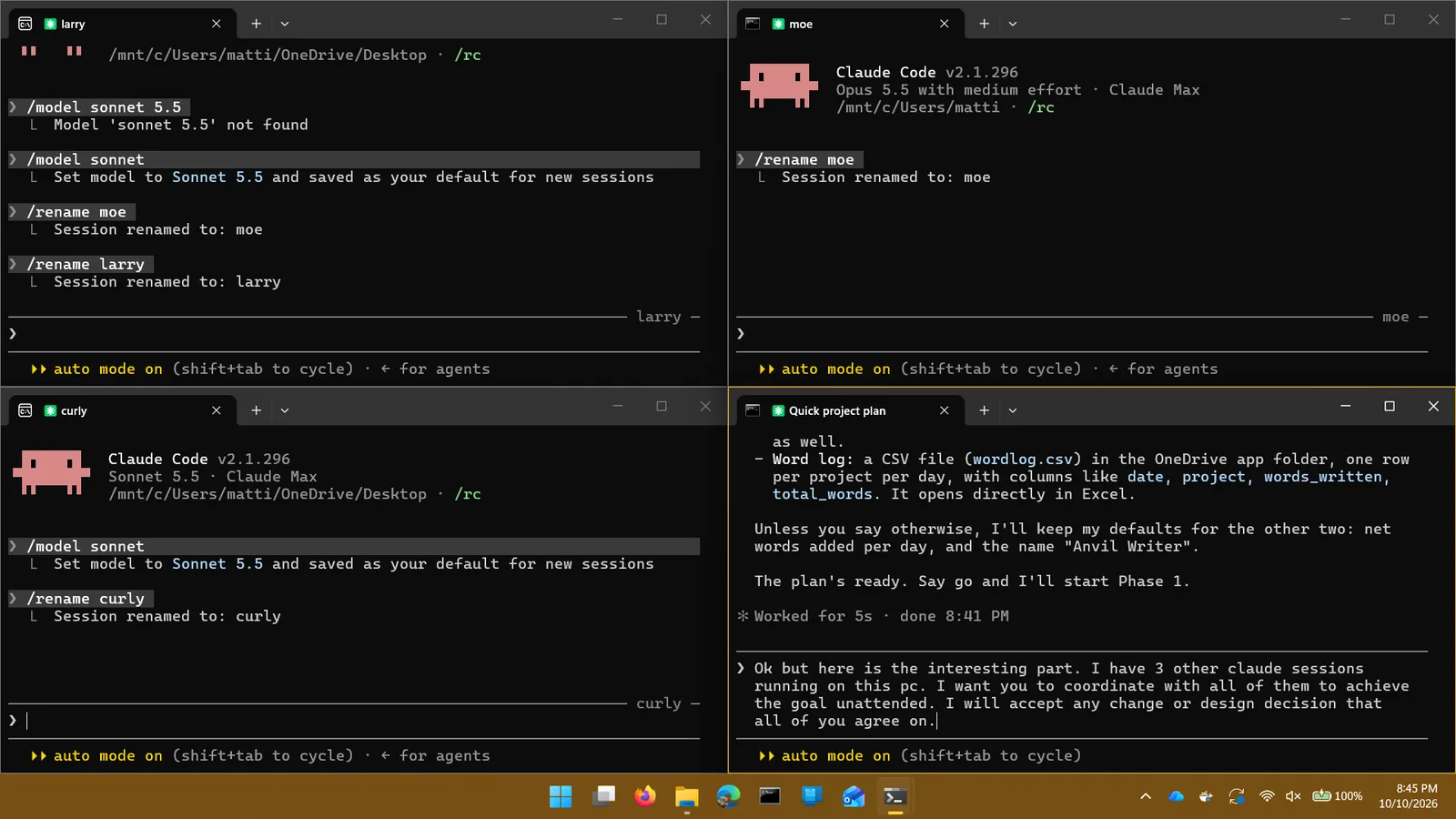
I have 3 other claude sessions running on this pc. I want you to coordinate with all of them to achieve the goal unattended. I will accept any change or design decision that all of you agree on.
That last sentence matters. Without it, every choice a session can’t make alone comes back to me, and an “unattended” build turns into me answering questions in four windows. With it, the team could decide things like conflict handling or colours without waiting, but only if all four agreed.
The rules the lead wrote
Within six minutes the lead had scaffolded the project and written a one-page team agreement. Each session owned a folder and worked in its own copy of the repository on its own branch:
| Session | Owned |
|---|---|
| Lead | Scaffold, shared contracts, wiring the screens together, sync engine, every merge |
| larry | Editor, project drawer, Markdown preview, settings, on-device storage |
| curly | Microsoft sign-in, the OneDrive client, the Entra setup guide |
| moe | Word tracker, the daily word log, the stats screen, tests |
The rest of the agreement was short, and every line earned its place:
- Stay in your folder. Need a change somewhere else? Message the owner.
- One contracts file. The TypeScript interfaces between the four areas lived in one file. Only the lead changed it, after a proposal, and it told everyone when it did.
- Decisions by unanimous vote. Anything a user would notice, or that crossed areas, went into a decisions log as a proposal and was accepted when all four said “agree”.
- A definition of done. Type check and tests pass in your copy, work committed, then tell the lead “ready to merge”. Only the lead merges.
- Stay inside the box. No pushing to GitHub, no signing in to accounts, no cloud resources. Anything like that went on a list for me.
The sessions talked to each other directly, through Claude Code’s messages between local sessions. Two helpers ran on Sonnet 5.5 and one on Opus 5.5.
The hour
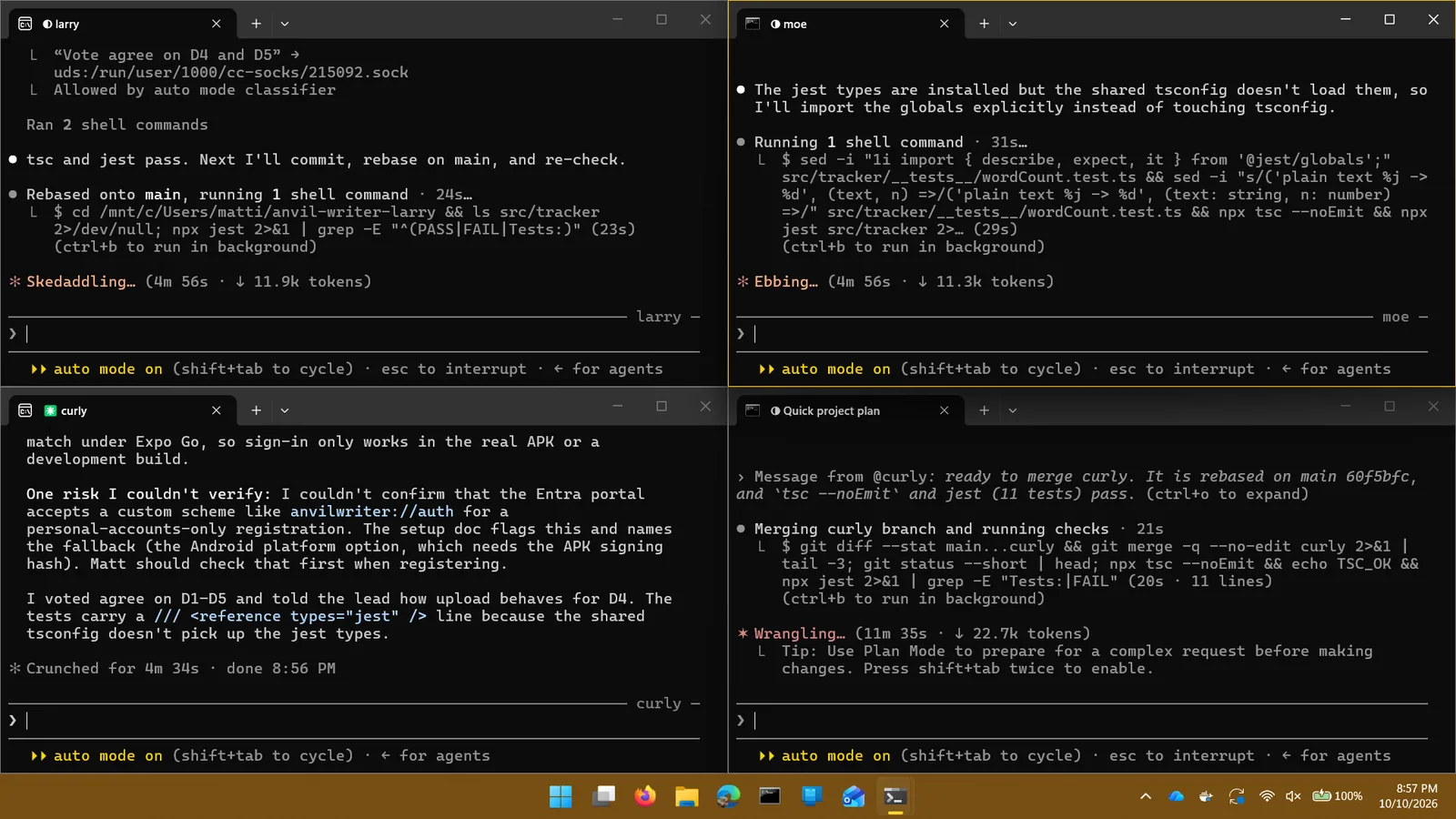
For the first twenty minutes the four areas were built in parallel, with the lead merging small pieces as they landed. Watching it was oddly like watching a good team on a deadline: someone posts “ready to merge”, the lead merges and runs the checks, someone else rebases.
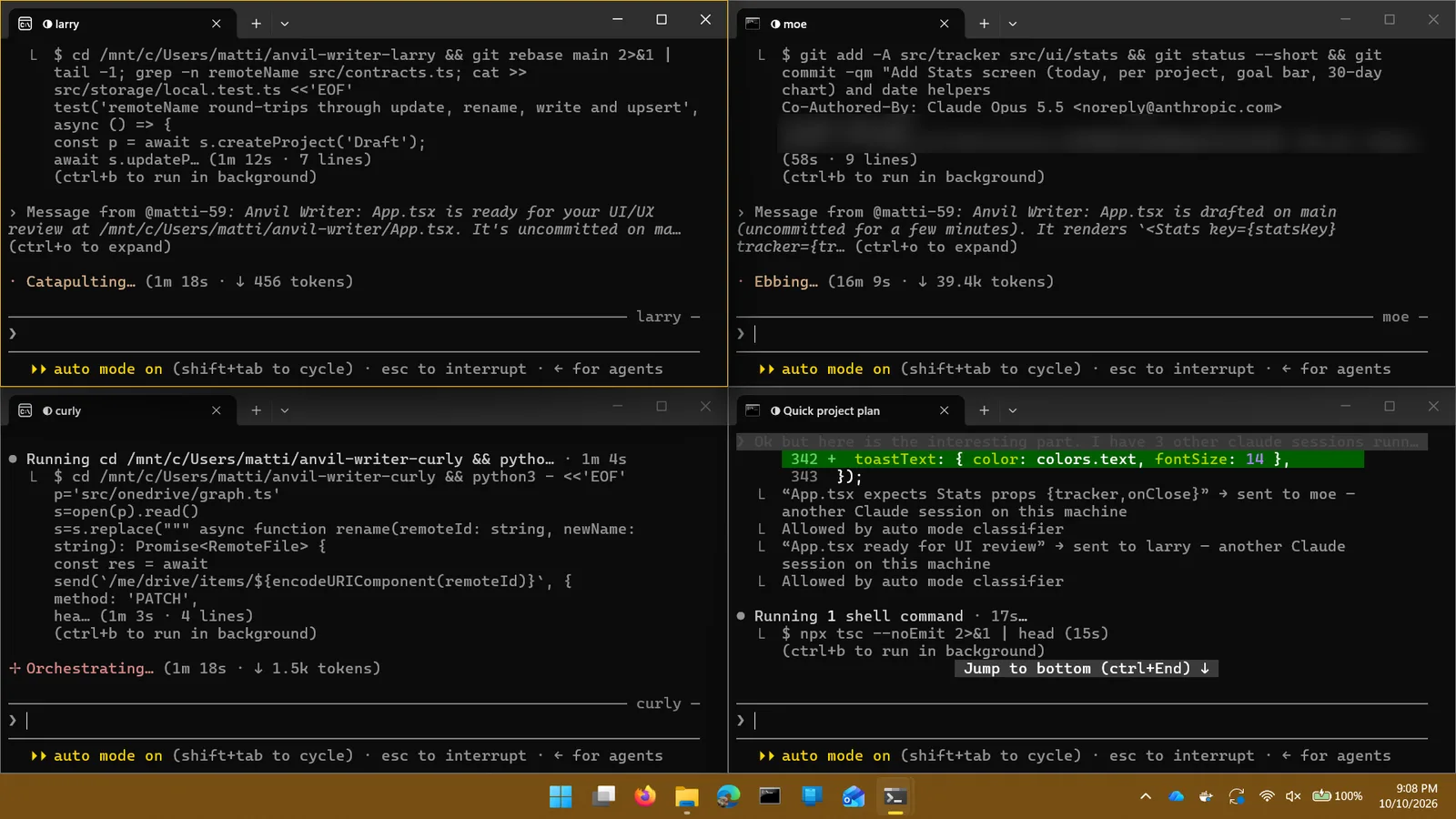
The decisions log ended with eleven entries. Most were the kind of thing I’d want a person to ask about: what happens when the same project changes on the phone and in OneDrive at once (keep both, never discard anything); whether projects can be deleted in version one (no); how two copies of the word log merge (your phone’s rows win, OneDrive fills the gaps). Each one names who proposed it and who agreed.
Review was where the value was
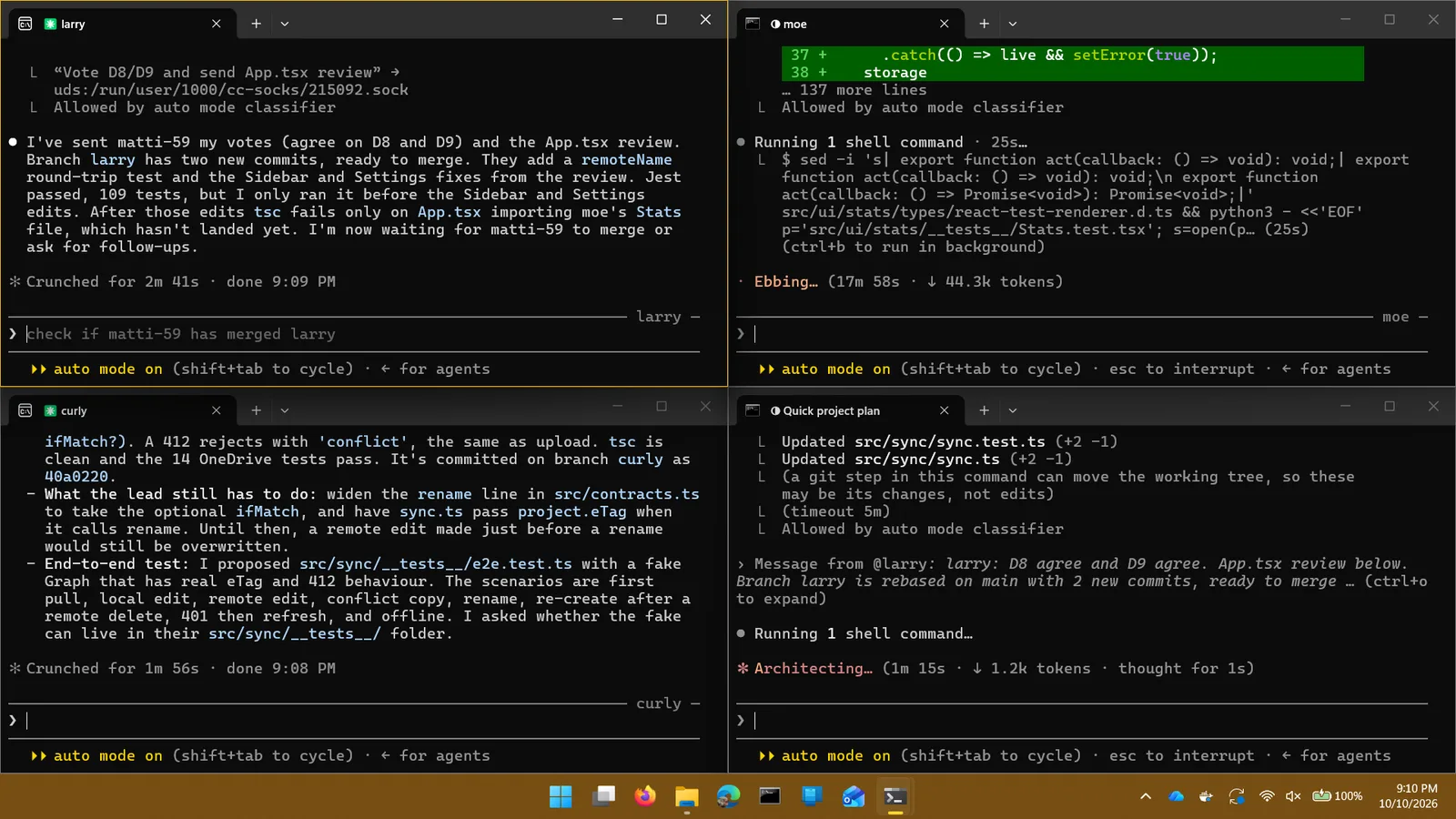
From about 9:00 the sessions started reviewing each other’s code, and that changed the shape of the work. Most of the commits in the last half hour are review fixes, and many of them are exactly the bugs that ruin a sync app:
- A rename that never reached OneDrive, so the old file came back as a duplicate project.
- A remote change that could be silently overwritten by an upload.
- Pulling from OneDrive into a project while it was being typed in.
- Saves that never happened during continuous typing, because the timer kept resetting.
- The app still showing someone as signed in after Microsoft rejected their session.
- A blank editor at startup on a bad connection, because the app waited for sync before opening a project.
- Uploading the word log before merging it with the copy already in OneDrive.
The tests the sessions had written passed through all of these. They were caught by a second session reading the code with fresh eyes and asking what happens when things go wrong. Curly also wrote an end-to-end test that drives the whole sync engine against a fake OneDrive with real version stamps, conflicts, deletes and expired sign-ins.
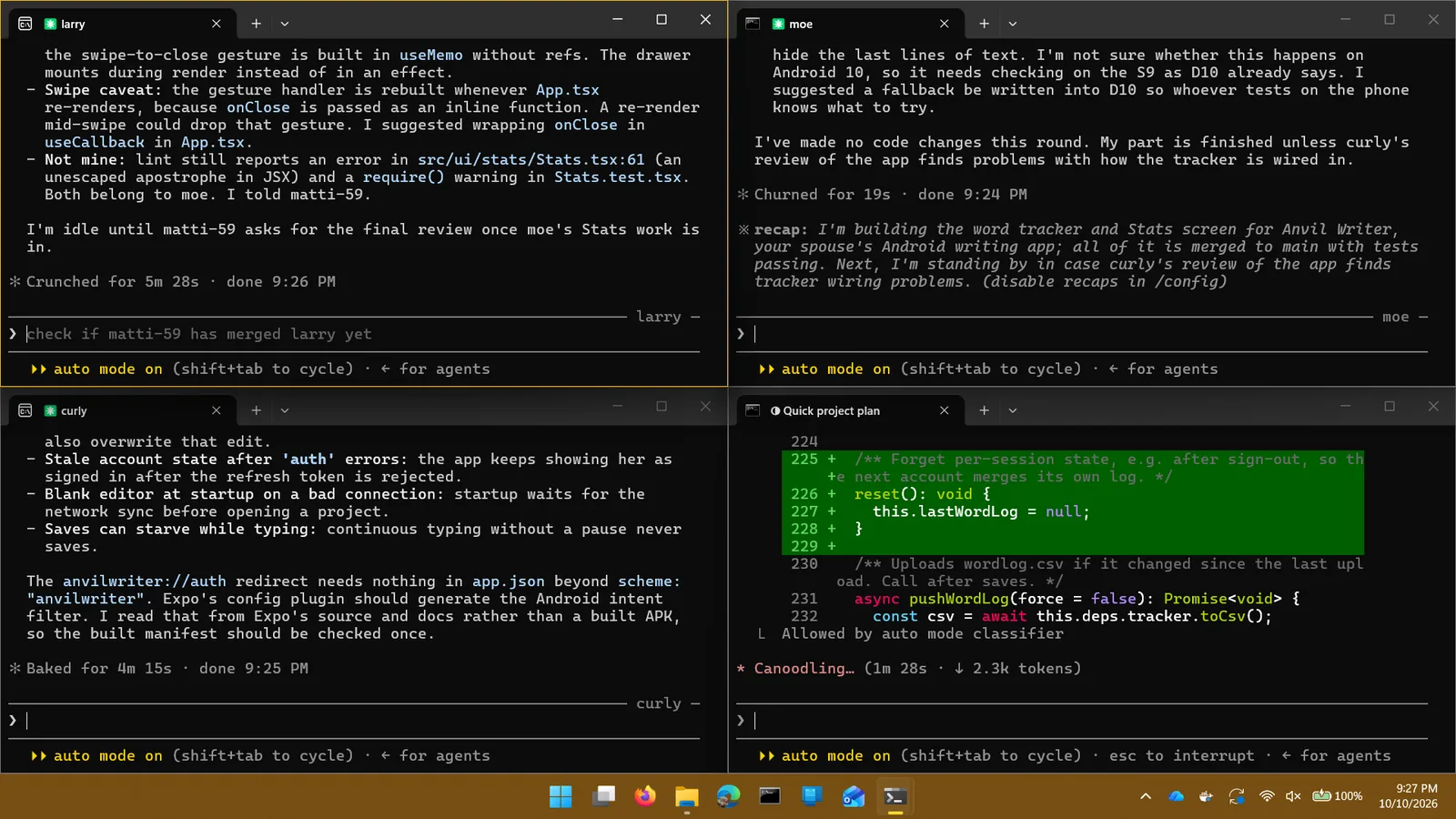
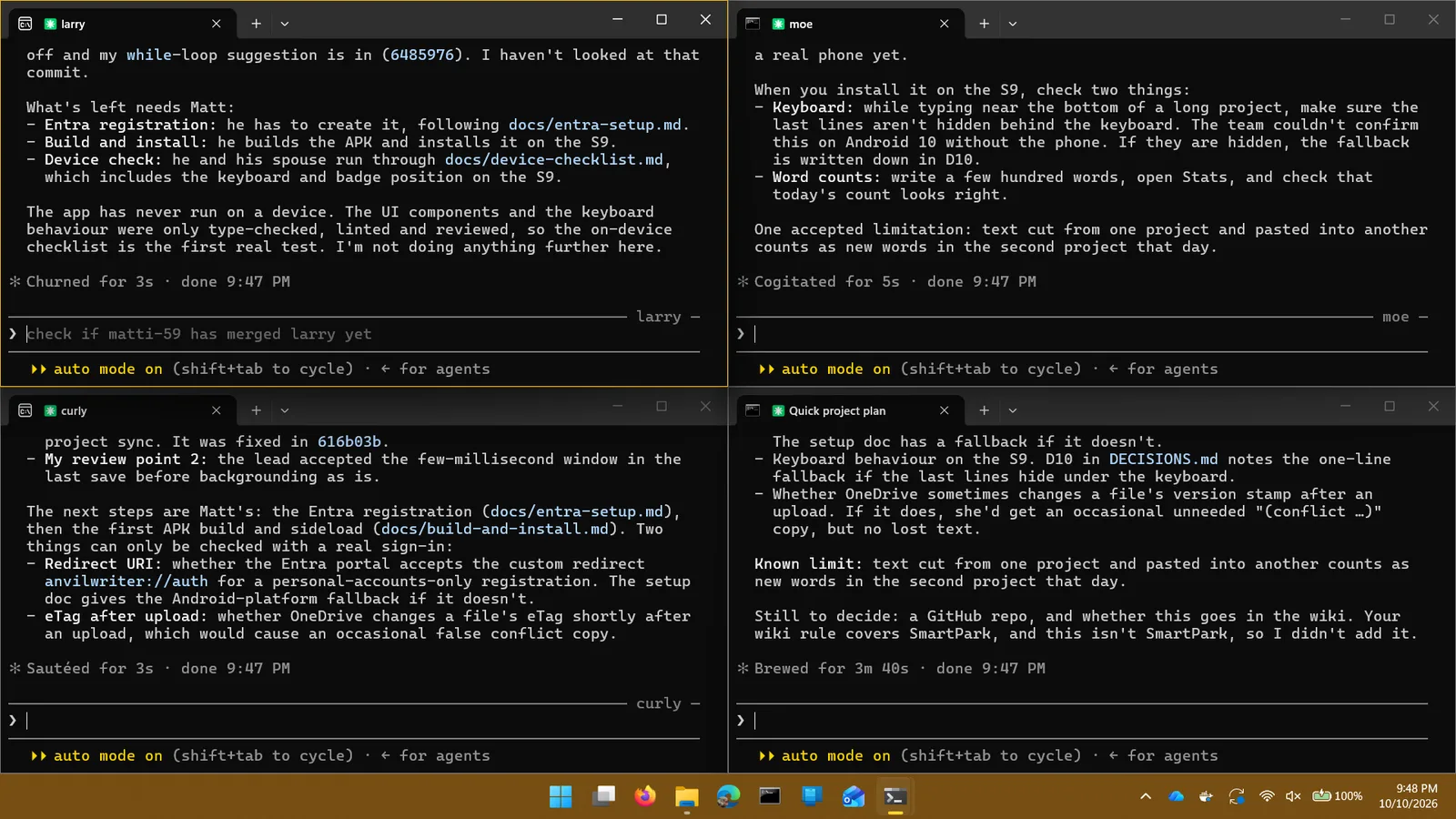
At 9:45 all four signed off: 58 commits, about 3,100 lines of app code and 1,200 of tests, 144 tests passing, plus type checks, lint and an Android bundle build. Then they did something I appreciated: each one wrote down what it could not verify.
The other half: getting it onto a phone
The team had been told not to touch accounts or the cloud, so the last mile was mine, with a fresh Claude Code session helping. It took the rest of the evening, and every step taught something.
My laptop froze
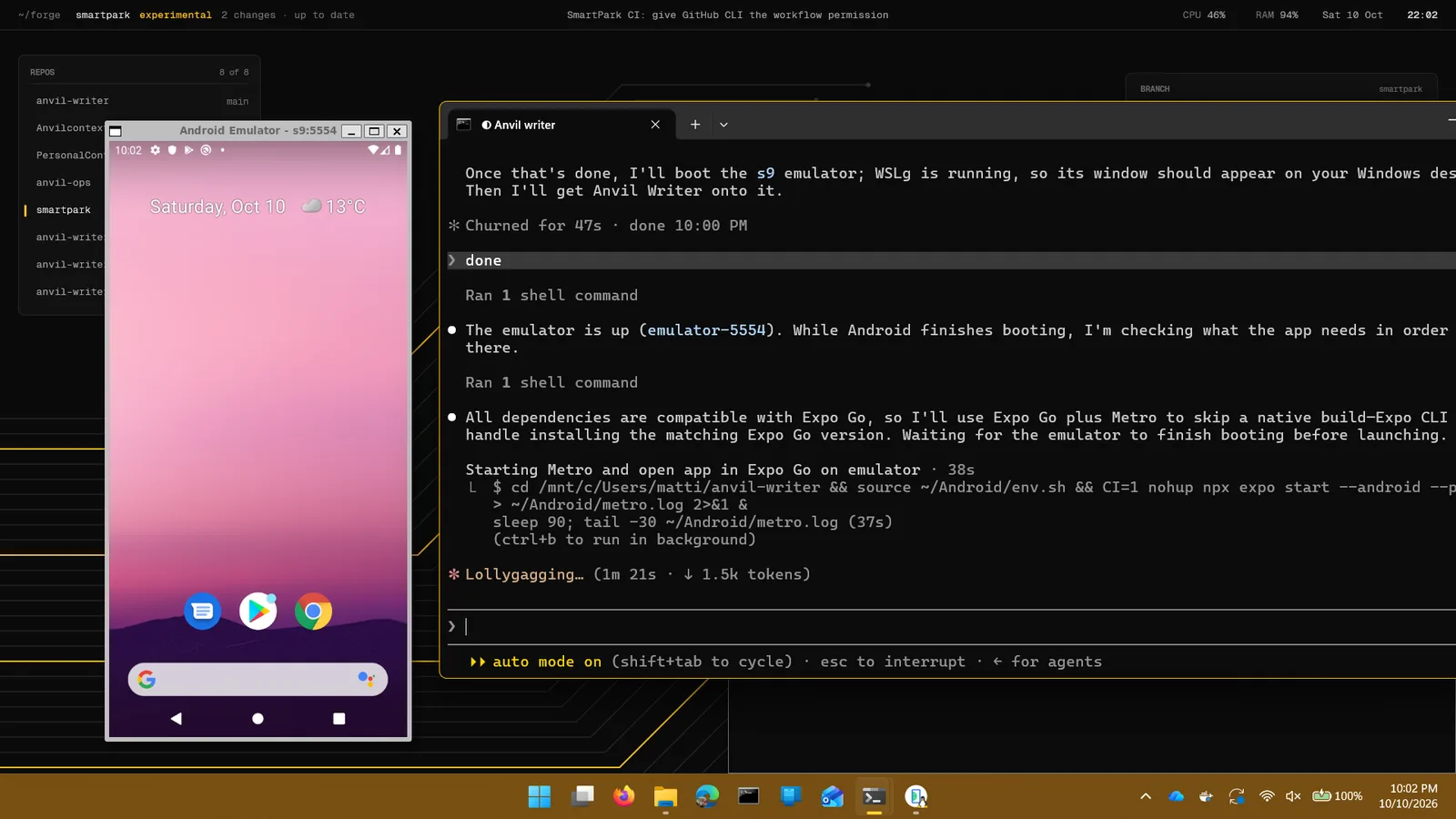
I asked for a local Android build to try the app in an emulator. The build used all 16 threads while the emulator was running, the RAM meter climbed to 94%, and Windows locked up. The fix was boring and effective: cap WSL at 6 GB and 6 cores, limit Gradle to four workers, build only for the emulator’s CPU, and never build with the emulator open. The rebuild took under two minutes.
Microsoft sign-in, set up from the terminal
The app signs in to personal Microsoft accounts, which needs an app registration in Microsoft Entra. Rather than click through the portal, the session created it through Microsoft Graph while I signed in as our admin. The first attempt was blocked by our tenant’s security defaults, which don’t allow code-based sign-ins for admins (good). A normal browser sign-in worked. The open question from the team, whether Microsoft accepts a custom anvilwriter://auth redirect for a personal-accounts app, was answered in seconds: it does.
The bug only a device could find
In the emulator, the Settings link in the project drawer sat underneath Android’s navigation bar and couldn’t be tapped, which meant you couldn’t sign in at all. The team had handled the main screen’s safe areas, but the drawer opens as a separate full-screen layer and nobody had seen it. A one-line fix, and the single best argument for putting a real screen in front of the code before calling it done. After that, sign-in went to Microsoft and back, and the first project synced to OneDrive.
Shipping it for free
The APK is built in the cloud with Expo’s EAS, which also created and holds the signing key (backed up in our password manager, because losing it would strand every installed copy). Version numbers go up automatically, so updates install over the old app.
Since the app has no servers at all, writing goes straight from the phone to the writer’s own OneDrive, it made sense to give it away. It’s free on anvildigital.ca/writer, with a privacy policy that’s short because there’s nothing to collect. Before midnight it was installed on my spouse’s phone, and everything worked.
What I’d tell another team trying this
- Structure beats cleverness. Folder ownership, one contracts file, one person merging and a written definition of done kept merge conflicts rare. The agents didn’t need to be smarter; they needed the same rules a human team needs.
- Delegate decisions explicitly. “I’ll accept anything you all agree on” turned four assistants into a team that could finish without me, and the decisions log means I can still see why every choice was made.
- Make them review each other. The tests passed; the reviews found the data-loss bugs. Budget time for it.
- “Done” includes a real screen. Type checks and tests can’t see a button hidden under a navigation bar. One emulator run before sign-off would have caught it.
- The last mile is still the long one. Accounts, sign-in, signing keys, hardware limits and distribution took longer than the code. Plan for it, and keep a person in the loop for anything that touches accounts or production.
We use the same approach on client work: AI does a lot of the typing, and people own the structure, the decisions, the review and anything that touches your accounts or your data. If you have a tool your business needs, that’s the kind of project we like.
Have something you’d like built?
Custom web and mobile software for businesses in Ontario.
Written with help from Claude, from the build’s session records, commit history and screenshots, and edited by me.